Table of Contents
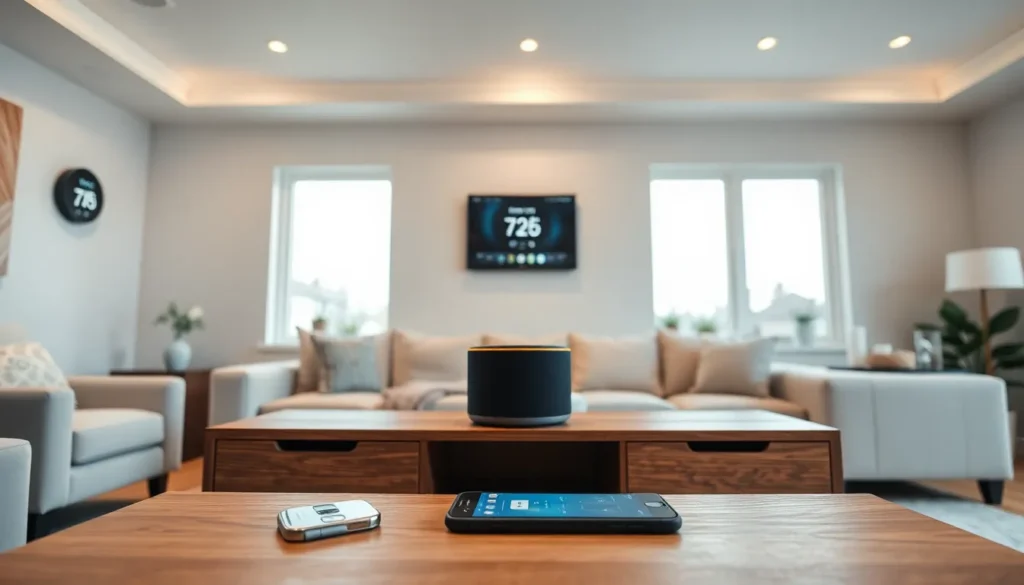
ToggleSmart home tech transforms ordinary houses into connected, automated living spaces. Homeowners can control lights, thermostats, locks, and cameras from a single app or voice command. The global smart home market reached $121 billion in 2024, and adoption continues to grow as devices become more affordable and user-friendly. This guide explains how to start building a smart home from scratch. Readers will learn about essential devices, hub options, and network setup to create a connected home that actually works.
Key Takeaways
- Smart home tech connects devices like lights, thermostats, locks, and cameras so you can control them through apps or voice commands.
- Start with a smart speaker (Amazon Echo or Google Nest) as your command center before expanding to other devices.
- Essential beginner devices include smart bulbs, a smart thermostat, smart plugs, and a video doorbell for immediate value.
- Choose a mesh router system that supports 50+ devices to ensure reliable connectivity throughout your home.
- Secure your smart home network with a strong password, WPA3 encryption, and a separate guest network for devices.
- Automation routines—triggered by time, location, or device states—reduce daily friction and make your home more efficient.
Understanding Smart Home Basics
A smart home uses internet-connected devices that communicate with each other and respond to user commands. These devices connect through Wi-Fi, Bluetooth, Zigbee, or Z-Wave protocols. Each protocol has strengths, Wi-Fi offers easy setup, while Zigbee and Z-Wave provide better range and lower power consumption.
Smart home tech falls into several categories:
- Lighting: Smart bulbs and switches that dim, change colors, and operate on schedules
- Climate control: Thermostats that learn preferences and adjust automatically
- Security: Cameras, doorbells, locks, and sensors that monitor the home
- Entertainment: Speakers, TVs, and streaming devices with voice control
- Appliances: Refrigerators, washers, and vacuums with connected features
Voice assistants serve as the primary interface for most smart homes. Amazon Alexa, Google Assistant, and Apple Siri each support thousands of compatible devices. Users speak commands like “turn off the living room lights” or “set the thermostat to 72 degrees.”
Automation takes smart home tech further. Devices can trigger actions based on time, location, or other device states. A motion sensor might turn on hallway lights at night. A door lock might disarm the security system when opened with a valid code. These automated routines reduce daily friction and make homes more efficient.
Choosing the Right Smart Home Hub
A smart home hub acts as the central controller for connected devices. Some setups require a dedicated hub, while others work directly through Wi-Fi. The right choice depends on device compatibility, ecosystem preference, and budget.
Amazon Echo vs. Google Nest vs. Apple HomePod
Amazon Echo devices use Alexa and support the widest range of third-party smart home tech. They cost less than competitors and work well for beginners. Echo devices also include Matter support, which improves cross-platform compatibility.
Google Nest speakers and displays use Google Assistant. They excel at answering questions and integrate tightly with Google services like Calendar and Photos. Nest devices support Matter and work with most major smart home brands.
Apple HomePod and HomePod Mini use Siri and require Apple devices for full functionality. They offer strong privacy features and excellent audio quality. HomeKit certification ensures devices meet Apple’s security standards, though fewer products carry this certification.
Dedicated Hubs
Some smart home tech requires dedicated hubs. Samsung SmartThings, Hubitat, and Home Assistant support Zigbee and Z-Wave devices that don’t connect directly to Wi-Fi. These hubs offer more advanced automation options and local processing, which means faster response times and operation during internet outages.
For beginners, starting with an Echo or Nest speaker provides an easy entry point. Add a dedicated hub later if needed for specific devices or advanced automation.
Essential Smart Devices for Beginners
New smart home users should start with a few key devices before expanding. These foundational products deliver immediate value and teach the basics of smart home tech.
Smart Speakers
A smart speaker serves as the command center. Amazon Echo Dot and Google Nest Mini cost under $50 and provide voice control for other devices. They also play music, set timers, and answer questions. Place one in a central location like the kitchen or living room.
Smart Lighting
Smart bulbs offer the quickest way to experience smart home benefits. Philips Hue, LIFX, and Wyze bulbs screw into existing fixtures. Users control brightness, set schedules, and create scenes through apps or voice commands. Smart switches work better for multi-bulb fixtures and don’t require special bulbs.
Smart Thermostat
A smart thermostat reduces energy bills and improves comfort. The Nest Learning Thermostat adjusts based on habits and presence. Ecobee includes a room sensor for better temperature balancing. Both integrate with smart home tech ecosystems and support voice control.
Smart Plugs
Smart plugs convert any device into a smart device. Plug in a lamp, fan, or coffee maker and control it remotely. They also track energy usage and create automation triggers. TP-Link Kasa and Amazon Smart Plug offer reliable options under $15 each.
Video Doorbell
A video doorbell adds security and convenience. Ring, Nest, and Eufy models show visitors on a smartphone and allow two-way conversation. Motion alerts notify homeowners of activity even when no one rings the bell.
Setting Up Your Smart Home Network
A reliable network forms the foundation of any smart home. Poor Wi-Fi causes delays, disconnections, and frustration. Proper setup prevents most common problems.
Router Considerations
Most homes need a router that supports at least 50 connected devices. Smart home tech adds up quickly, a modest setup might include 20+ devices. Mesh router systems like Eero, Google Nest WiFi, and Orbi provide consistent coverage throughout larger homes.
Place the router centrally and away from thick walls, metal objects, and microwaves. These block signals and create dead zones where devices fail to connect.
Network Security
Smart devices create potential security vulnerabilities. Follow these practices:
- Use a strong, unique Wi-Fi password with at least 12 characters
- Enable WPA3 encryption if the router supports it
- Create a separate guest network for smart devices
- Update firmware regularly on the router and all devices
- Disable features you don’t use, like remote access
A separate network for smart home tech keeps them isolated from computers and phones containing sensitive data.
Device Placement and Range
Zigbee and Z-Wave devices create mesh networks, each device extends the signal to others. Place devices within range of at least one other device for reliable operation. Wi-Fi devices need direct router access, so consider range extenders for distant rooms.
Test each device after installation. Walk through automation routines to confirm they trigger correctly. Fix connectivity issues before adding more devices to the network.